
The product
Comfort: one system for lighting, security and everything between
Every Vogue home runs on Comfort. Arm the house, dim the lounge, check a camera or see what the system did while you were out — from one app, a wall panel, or on a schedule you never touch again.
The app
Everything the house is doing, on one screen
The dashboard opens on the state of the whole house — security mode, how many lights are on, whether anything is open, and what the cameras can see.
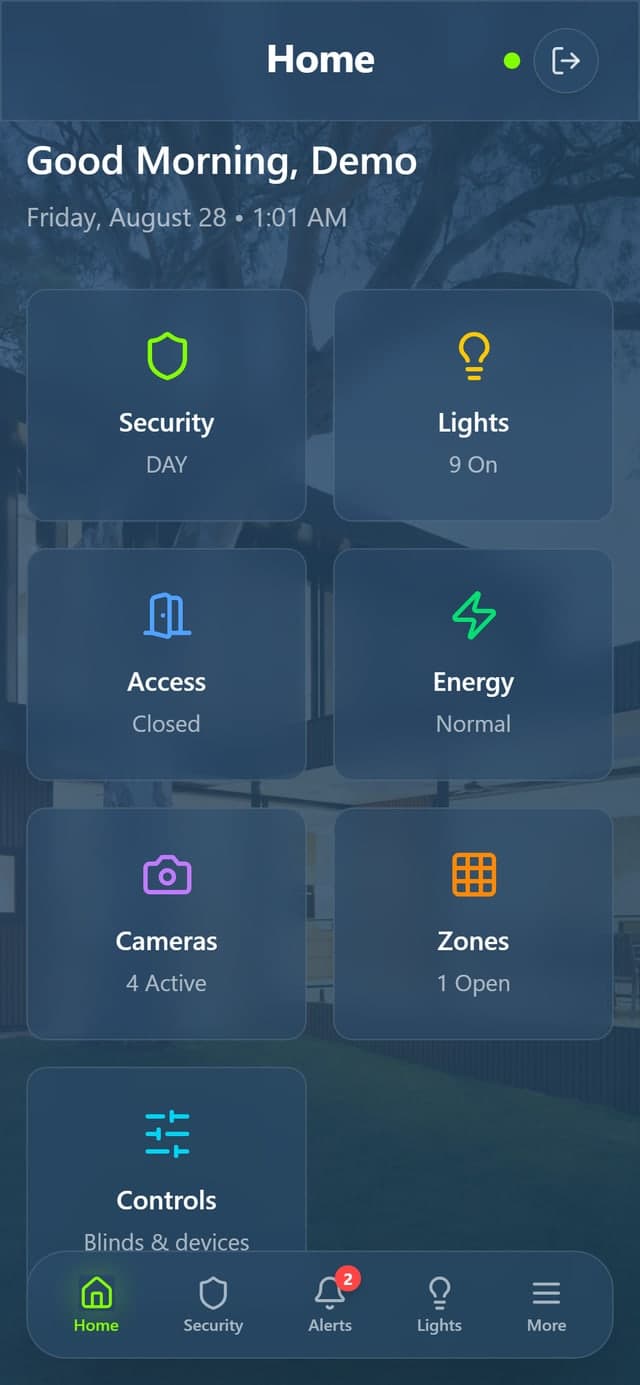
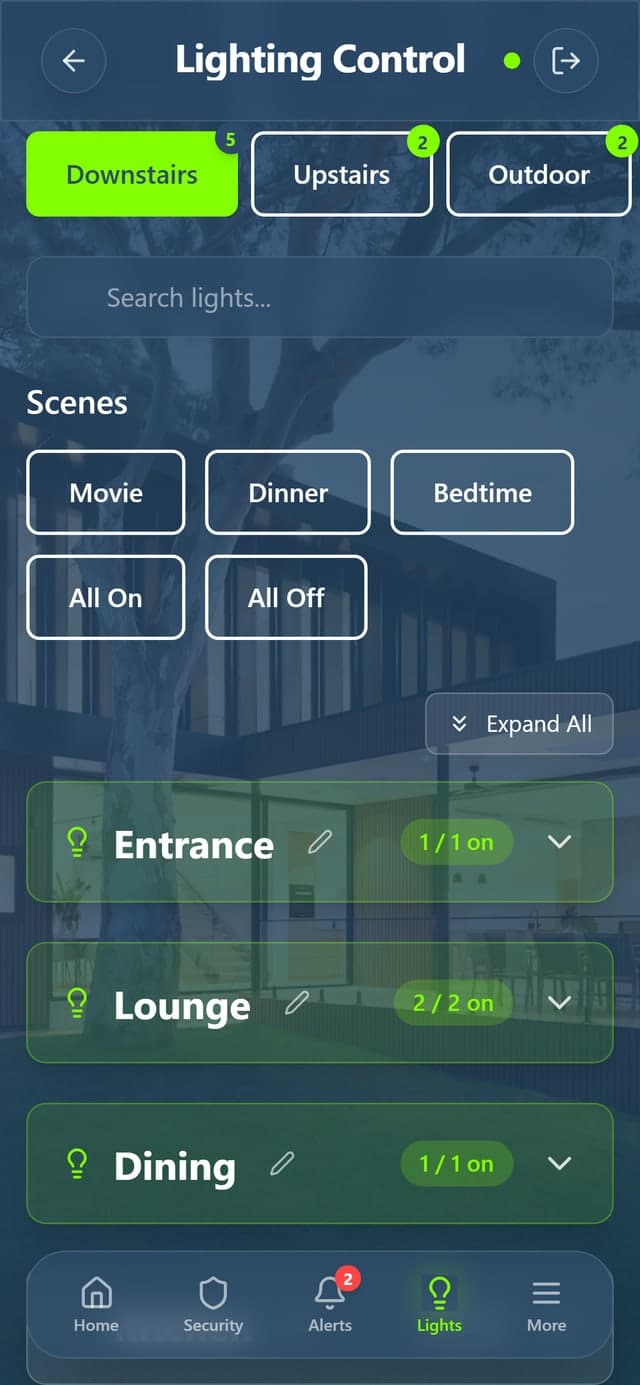
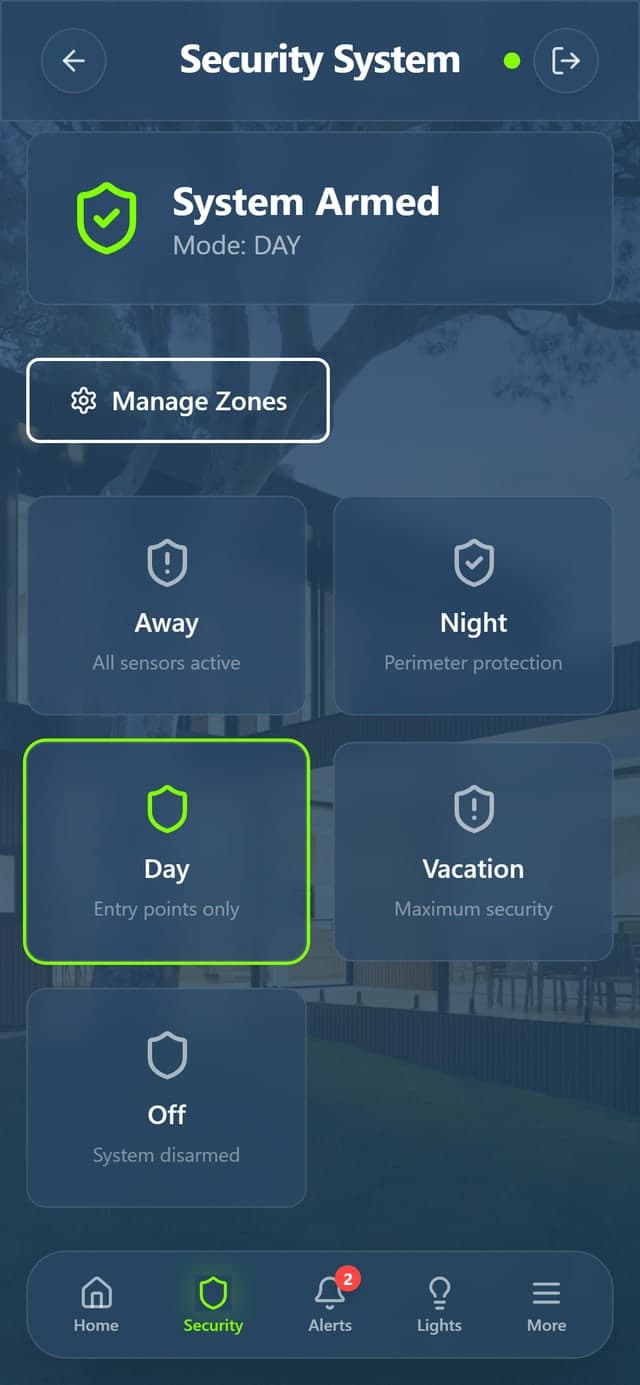
Screens shown use a demonstration home, not a client’s live system.
Security
Five modes, one tap, PIN protected
Off, Away, Night, Day and Vacation. The current mode is the first thing on the screen, and changing it asks for a PIN — in the app and on the wall panel alike.
Lighting
Scenes, rooms and every circuit
Grouped by floor and room, with scenes along the top. Set the whole house for a film or for bedtime, or open a room and dim a single circuit.
Zones
Every sensor, and what it is doing
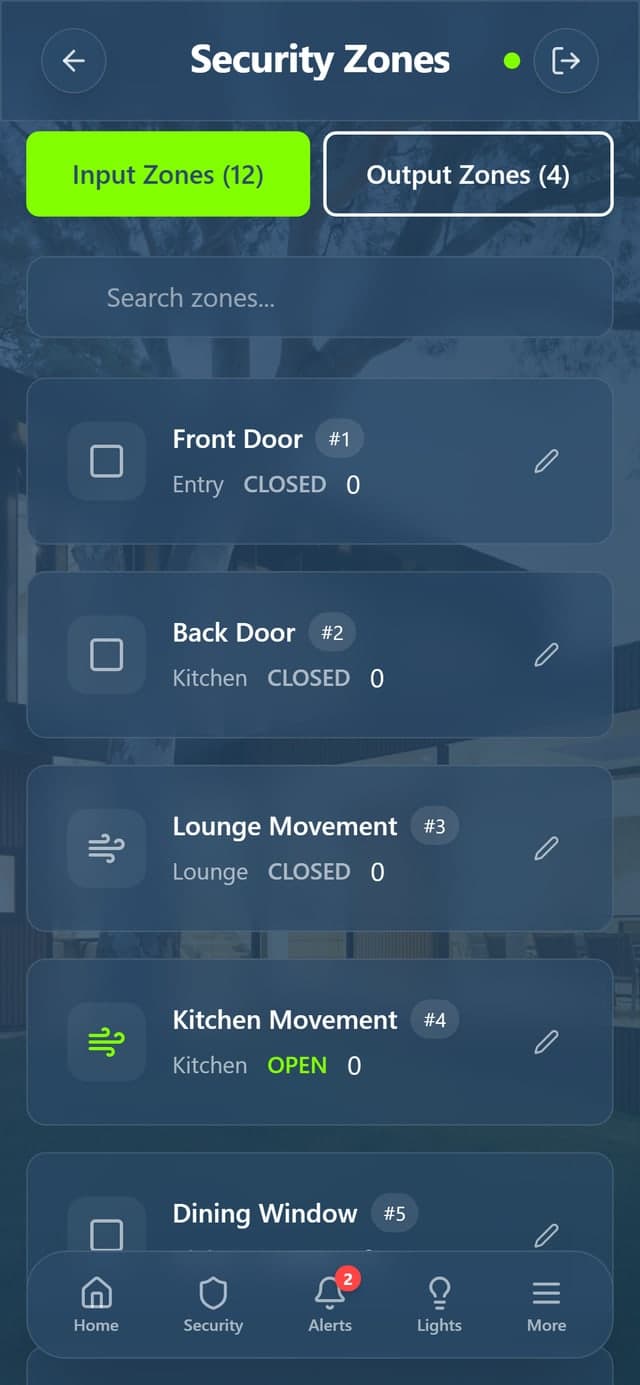
Input zones for doors, windows and movement; output zones for the gate, garage and irrigation. Bypass a faulty sensor or an open window without disarming the house.
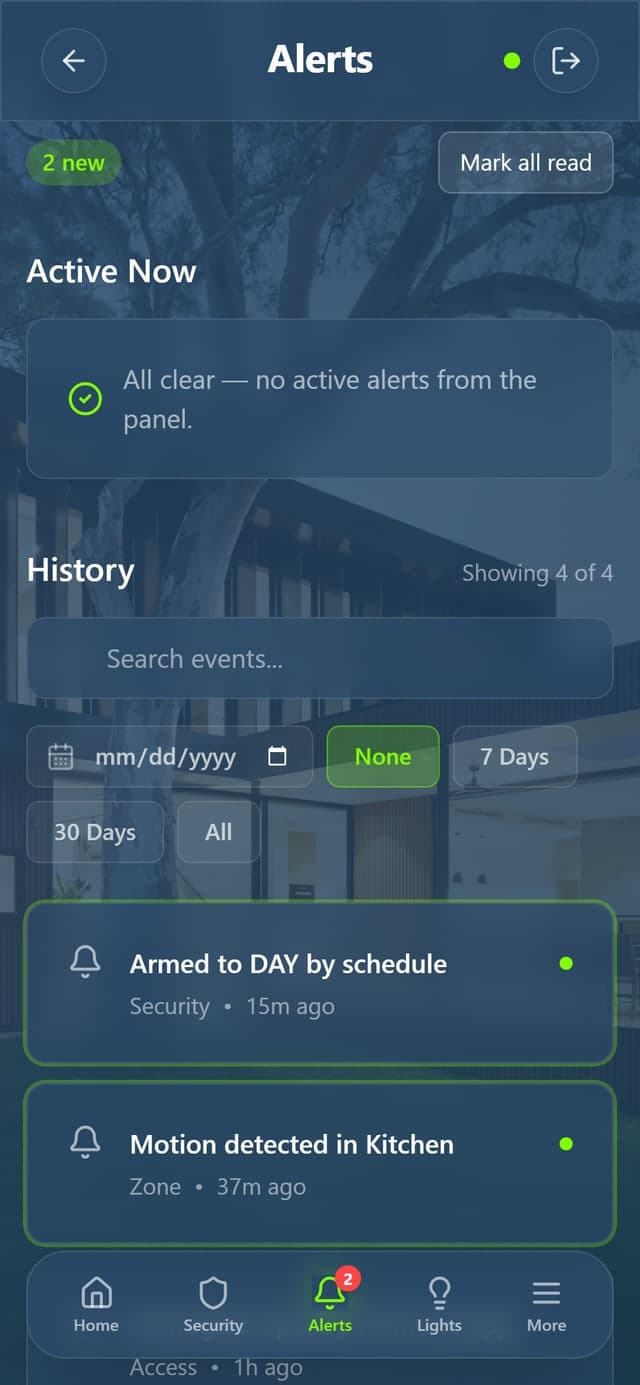
Alerts
Told what happened, not just that something did
Arming events, zone triggers and access events land in one list with the unread count on the tab. SMS and email go out on the events you choose to define.
Capabilities
What Comfort actually does
Not a list of gadgets — the behaviour a household relies on day to day.
Five security modes
Off, Away, Night, Day and Vacation. Arming and disarming are PIN-protected, and the system can arm itself by time of day or day of the week.
8–96 zones
Scales from a compact retrofit to a large new build, with per-zone bypass when you need to work around a faulty sensor or an open window.
Alerts that reach you
SMS and email notifications on the events you define, plus a voice menu and a dialler to eight phones.
Six-month event log
Every arm, disarm, trigger and bypass is recorded, so you can see exactly what the house did while you were away.
Lighting scenes and schedules
Set the house for dinner, for a film, or for looking occupied while you are travelling — from one control, or on a timer tied to sunset.
Cameras and visual verification
See the footage attached to an alert rather than guessing, with fullscreen views behind a PIN.
How you use it
Three ways to control the house
Your phone
An installable web app — add it to your home screen and it behaves like a native app, without an app store.
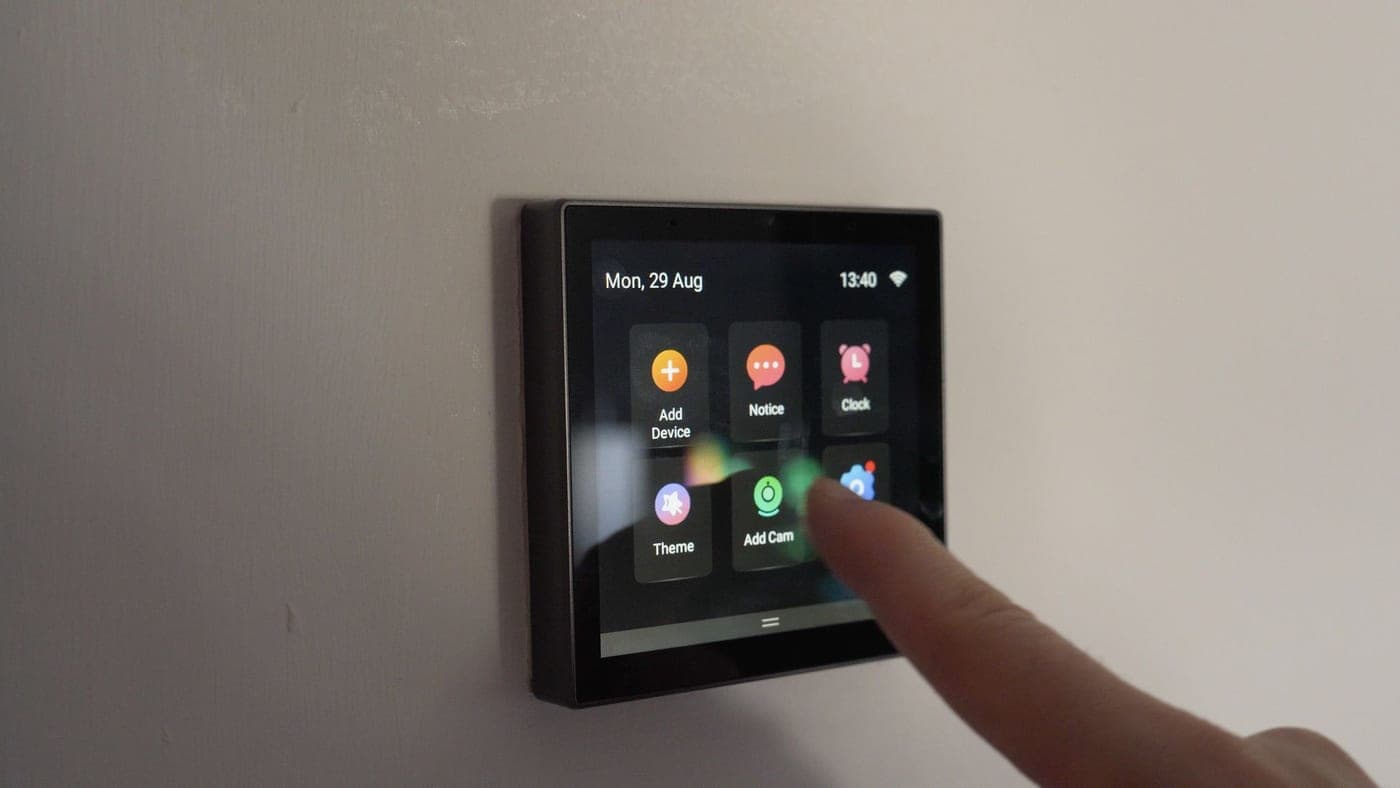
The wall panel
A mounted NSPanel touchscreen for the hallway or bedroom, so the house is controllable without reaching for a phone.
By itself
Schedules, sensor triggers and automatic arming mean the common cases need no interaction at all.
Under the hood
Local control, remote access
A controller in your home talks to the hardware directly, so lighting and security keep working even if the internet drops. It syncs to our servers so you can reach the house from anywhere.
Comfort
One controller, every subsystem
- Lighting
- Security
- Audio visual
- Access control
- CCTV
- HVAC & curtains
- SMS & email alerts
- Schedules & scenes
See Comfort running in a real home
We will walk you through the system on a live installation and talk through what it would look like in yours.